It’s 11 PM. Your biology midterm is in fourteen hours. You’ve got ninety pages of lecture notes, two research papers you barely skimmed, and a growing sense of dread. Sound familiar?
Now picture a different version of that night. You upload those notes to an AI tool, and within seconds you have a structured summary, a set of practice questions, and an audio discussion you can listen to while making coffee. That’s not science fiction — it’s what AI study tools do right now.
AI services for students have moved far beyond simple chatbots. They now generate quizzes from your own materials, break down dense research papers, and even create podcast-style explanations of your coursework. Here’s how a student named Priya uses them to survive — and actually enjoy — her semester.
Meet Priya: A Third-Year Biochemistry Student
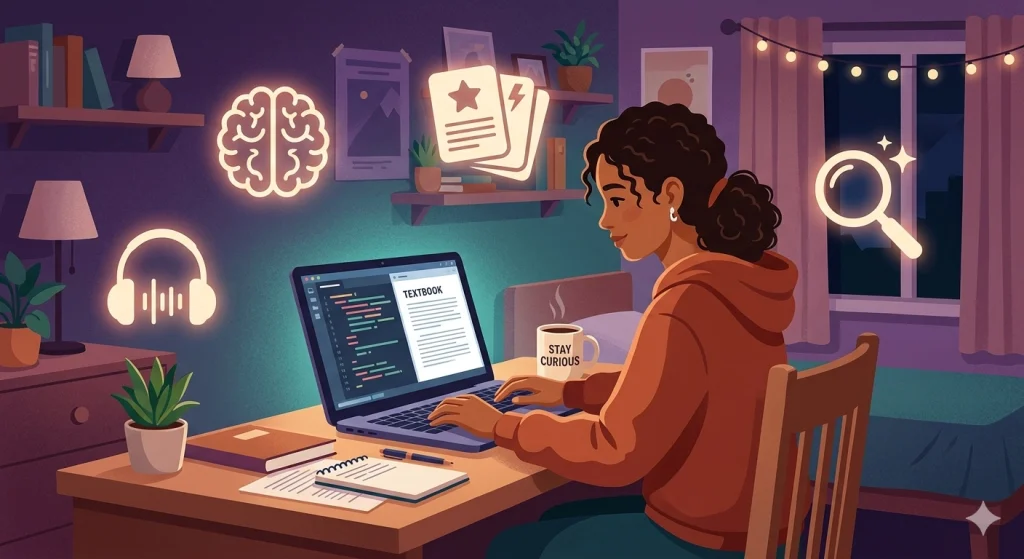
Priya doesn’t have a photographic memory. She doesn’t have unlimited study hours either — she works part-time at a campus lab and volunteers on weekends. She also doesn’t have the budget for multiple paid subscriptions. What she does have is a system built around four AI tools — all used on their free tiers — that handle the heavy lifting so she can focus on actually understanding her material.
Let’s follow her through a typical study day.
Morning: Turning Chaos into Clarity with NotebookLM
Priya’s day starts with a problem. Her professor uploaded three dense PDFs on enzyme kinetics, and the lecture recording is ninety minutes of monotone narration.
She opens Google NotebookLM and uploads all three PDFs plus the lecture transcript. NotebookLM does something no other tool does quite as well — it only works with sources you give it. It won’t pull in random internet information or hallucinate facts from its training data. Everything it generates comes directly from your uploaded materials.
Within a minute, Priya asks it to summarize the key differences between competitive and non-competitive inhibition. The summary references specific pages from her PDFs. She can click on any claim and see exactly where it came from in the original document.
But here’s the feature that changed her routine entirely: Audio Overviews. NotebookLM transforms her uploaded sources into a podcast-style conversation between two AI hosts. They discuss enzyme kinetics the way two enthusiastic tutors would — highlighting key points, making connections between the three papers, and flagging concepts that tend to appear on exams.

Priya puts on her headphones and listens during her bus ride to campus. Thirty minutes of passive listening, and she’s already built a mental framework for the topic before she even sits down to study.
Suggested Reading: How To Use Claude AI in Everyday Life To Get Things Done
Mid-Morning: Generating Quizzes and MCQs with ChatGPT
Priya knows that re-reading notes is one of the worst study strategies. What actually works is active recall — testing yourself repeatedly on the material.
This is where ChatGPT earns its place in her toolkit. She opens it and types a prompt like this:
“I’m studying enzyme kinetics for a biochemistry midterm. Generate 15 multiple-choice questions covering competitive inhibition, non-competitive inhibition, Michaelis-Menten kinetics, and Lineweaver-Burk plots. Make 5 easy, 5 medium, and 5 hard. Include answer explanations.”
ChatGPT delivers exactly that — fifteen questions, neatly sorted by difficulty, each with a detailed explanation of why the correct answer is right and why the wrong ones fail.
She doesn’t stop there. She tries another prompt:
“Now give me 5 scenario-based questions where I have to interpret a Lineweaver-Burk plot and determine the type of inhibition.”
These applied questions force her to think the way the exam will. She gets them wrong the first time, reads the explanations, and tries again.
ChatGPT’s Study Mode takes this further. Instead of handing her answers immediately, it guides her through problems step by step. When she makes an error, it asks leading questions rather than correcting her outright. It’s like a patient tutor who never gets frustrated.
The flexibility is the key advantage. You can specify the exact format (MCQ, true/false, short answer, scenario-based), the difficulty level, the number of questions, and the topics. No other tool gives you this level of control over quiz generation.
Afternoon: Breaking Down a Complex Research Paper with Claude
After lunch, Priya faces her weekly assignment: read a forty-page research paper on allosteric regulation and write a critical analysis.
Forty pages of dense academic writing isn’t something you skim in twenty minutes. So Priya turns to Claude.
Claude handles long documents exceptionally well. She uploads the entire paper and starts with a simple request:
“Summarize this paper in 300 words. Focus on the methodology, key findings, and the authors’ main argument.”
She gets a clean, structured summary. But she doesn’t stop there — she uses Claude as a conversation partner to go deeper.
“Explain Figure 3 in plain English. What does the dose-response curve tell us about the drug’s efficacy?”
Claude walks her through it step by step, relating the figure back to concepts she already knows. When she asks a follow-up question that reveals a gap in her understanding, Claude adjusts its explanation rather than repeating the same thing.
Claude’s Learning Mode is especially useful here. Instead of just answering, it prompts her with questions: “Before I explain the significance of the EC50 value, what do you think a shift in the curve to the right might indicate?” This forces her to think actively rather than passively absorb information.
By the end of the session, she hasn’t just read the paper — she’s actually understood it.
Suggested Reading: Apple 2026 Releases – What To Expect This Year From Apple
Late Afternoon: Research Deep-Dives with Perplexity
Priya’s critical analysis needs three additional sources to support her argument. She could spend an hour in Google Scholar, or she could open Perplexity AI.
Perplexity functions like a research assistant that searches the web, reads the sources, and gives you a synthesized answer with citations attached. She types:
“What are the latest findings on allosteric modulators in drug design? Focus on studies published after 2024.”
Perplexity pulls information from recent journal articles, news coverage, and academic databases. Every claim has a numbered citation she can click to verify. She finds two strong sources in under five minutes — papers she never would have discovered through a basic keyword search.
This is where Perplexity shines compared to general chatbots. It doesn’t just generate text — it grounds every statement in a verifiable source. For students who need to cite their work, that’s enormously valuable.
Evening: Building a Study Plan for Finals
With midterms behind her, Priya starts thinking about finals. She has exams in four subjects spread across twelve days.
She opens ChatGPT again and types:
“I have finals in biochemistry (May 20), organic chemistry (May 23), cell biology (May 26), and biostatistics (May 28). I have 3-4 hours of study time per day. Build me a day-by-day study plan that uses spaced repetition and interleaving. Include specific tasks for each session.”
ChatGPT generates a detailed plan. It spaces out her biochemistry review across multiple days rather than cramming it all before the exam. It interleaves topics — Monday morning is enzyme kinetics, Monday afternoon is organic reaction mechanisms — because switching between subjects strengthens long-term retention.
She tweaks the plan, saves it, and now has a roadmap for the next three weeks.
The Toolkit at a Glance
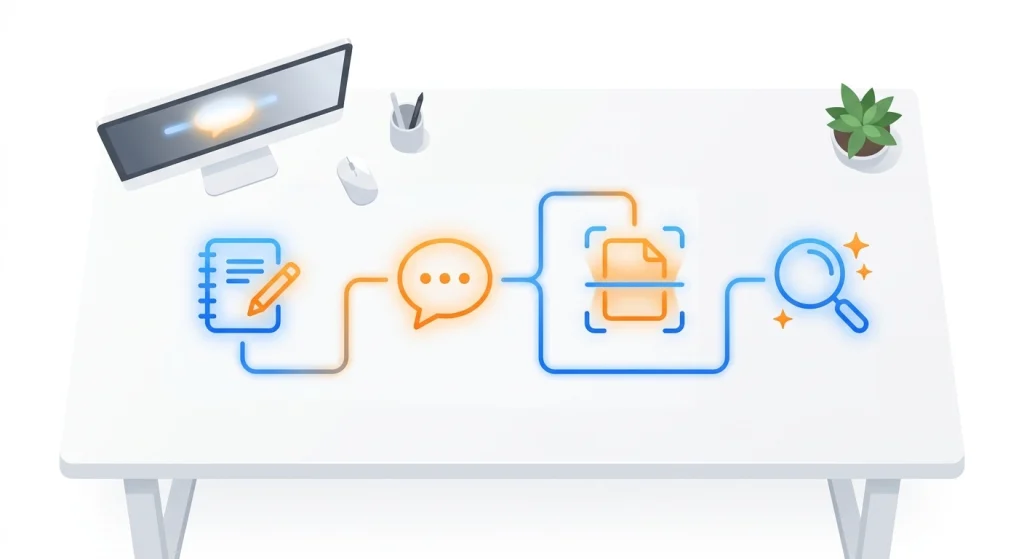
Each tool has a role — and a free tier. Here’s what you get without paying a cent:
| Tool | Free Tier | Best For |
|---|---|---|
| NotebookLM | Completely free, no message caps | Processing lectures, audio overviews, source-grounded summaries |
| ChatGPT | Free access to GPT-5.3 with daily limits | Quiz generation, Study Mode tutoring, study plans |
| Claude | Free access to Sonnet 4.6 with message caps | Long research papers, deep comprehension, Learning Mode |
| Perplexity | Free with daily search limits | Finding and verifying cited research quickly |
Priya uses all four without spending a dollar. The trick is knowing which tool to reach for so you don’t waste free messages on tasks a different tool handles better. Free tiers do have daily or weekly caps, so writing focused prompts and picking the right tool for each task matters — if you want to get more out of every interaction, this guide to saving your AI tokens walks through practical techniques that work across all these tools.
Suggested Reading: Anthropic Launches Claude Opus 4.7 and Claude Design
Do You Need a Paid Plan?
Probably not — at least not right away. The free tiers cover most study tasks comfortably during a normal week.
Consider paying only if you hit these specific walls:
- You consistently run out of ChatGPT messages during heavy exam prep
- You need Claude’s extended context for multiple long papers in a single day
- You use Perplexity’s Pro Search heavily for a research-intensive thesis
Even then, one paid subscription is enough. If you had to pick just one, ChatGPT Plus gives you the most flexibility for the widest range of student tasks. Pair it with NotebookLM (which is free) and you’ve covered 90% of what you need.
A Quick Note on Using AI Responsibly
Priya follows one rule: AI explains, she understands. She never submits AI-generated text as her own work. She uses these tools to learn the material, not to bypass learning.
Most universities now have clear guidelines on AI use. Check your institution’s academic integrity policy. The general principle is straightforward — use AI to study, not to cheat.
Your Turn
You don’t need all four tools on day one. Start with one. If you’ve got a stack of PDFs to process, try NotebookLM. If you want practice questions before an exam, open ChatGPT and ask for them.
The point isn’t to add more technology to your life. It’s to spend less time on busywork and more time on the kind of deep thinking that actually sticks.
Priya still has to take the exam herself. No AI tool changes that. But she walks in having actually engaged with the material — not just having read it — and that makes all the difference.
Frequently Asked Questions
Is NotebookLM free for students?
Yes. Google NotebookLM is completely free with no message caps. You can upload PDFs, Google Docs, web pages, and YouTube videos. The Audio Overview feature that generates podcast-style discussions is also included at no cost.
Can ChatGPT generate MCQ quizzes from my notes?
Absolutely. Paste your notes or upload a document, then ask ChatGPT to create multiple-choice questions at a specific difficulty level. You can request answer explanations, scenario-based questions, or topic-specific practice tests.
Which AI tool is best for reading long research papers?
Claude handles long documents particularly well due to its large context window. You can upload an entire paper and have a back-and-forth conversation about its methodology, findings, and figures without the tool losing track of earlier sections.
Are AI-generated study plans actually effective?
They’re a strong starting point. AI tools can structure your schedule around proven techniques like spaced repetition and interleaving. You’ll still want to adjust the plan based on how your actual study sessions go — no AI knows exactly how fast you’ll grasp a topic.
How much does it cost to use all four tools?
Nothing, if you’re strategic. NotebookLM is entirely free. ChatGPT, Claude, and Perplexity all have free tiers with daily or weekly limits. If you follow the prompt efficiency tips above — one topic per chat, concise prompts, and targeted uploads — the free tiers handle a typical study week without issue.
Will using AI tools count as academic dishonesty?
It depends on how you use them and your institution’s policies. Using AI to help you understand concepts, generate practice questions, and plan your study schedule is generally accepted. Submitting AI-generated text as your own work is not. Always check your university’s guidelines.