The Claude plugin ecosystem crossed 100 official plugins earlier this year. That sounds exciting until you realise most of them solve problems you don’t have.
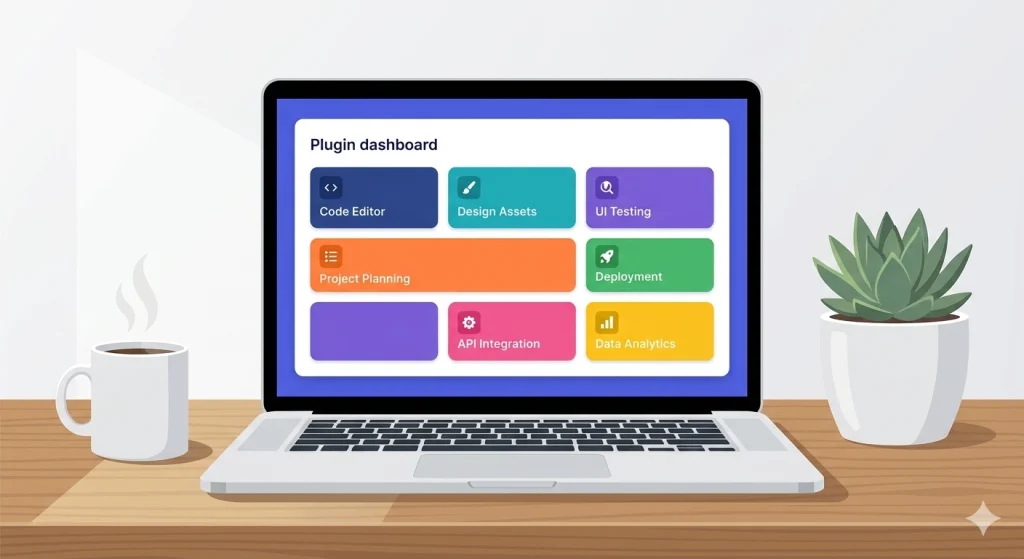
I’ve spent the last few months installing, testing, and — honestly — uninstalling a lot of Claude plugins across both Claude Code and Claude Cowork. Some changed how I work daily. Others burned through tokens without delivering much.
This is the list I wish I had when I started. Twelve plugins, grouped by what they actually help you do, with honest notes on where each one shines and where it falls short.
Table of Contents
What Are Claude Plugins?
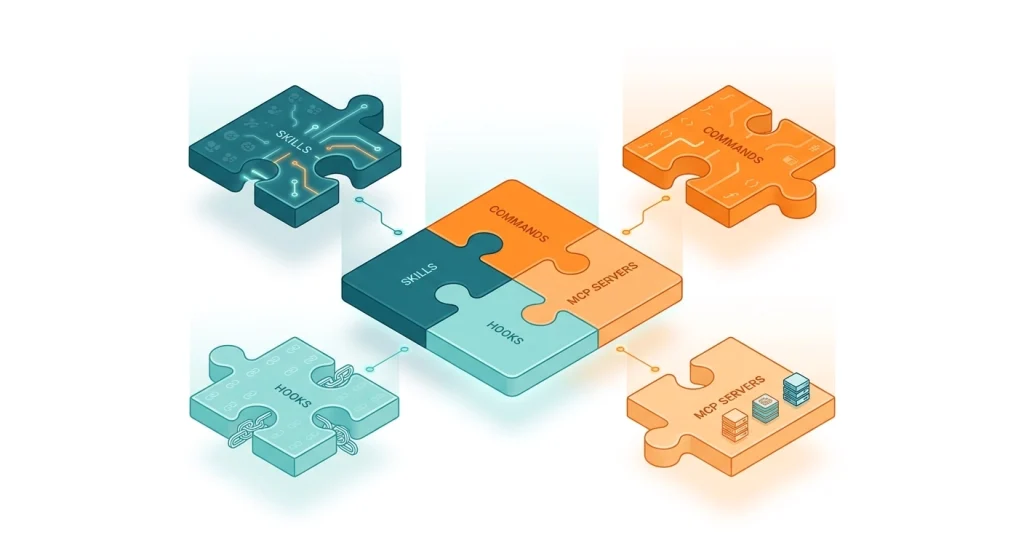
Claude plugins are installable extensions that add new capabilities to Claude — including custom skills, commands, hooks, and MCP (Model Context Protocol) servers — allowing Claude to interact with external tools, services, and workflows beyond its default abilities.
Plugins come in four flavours. Skills teach Claude new behaviours through structured prompts. Commands are slash-triggered actions like /code-review. Hooks run shell scripts automatically before or after Claude takes an action. MCP servers connect Claude to external services — your issue tracker, browser, documentation sources, and more.
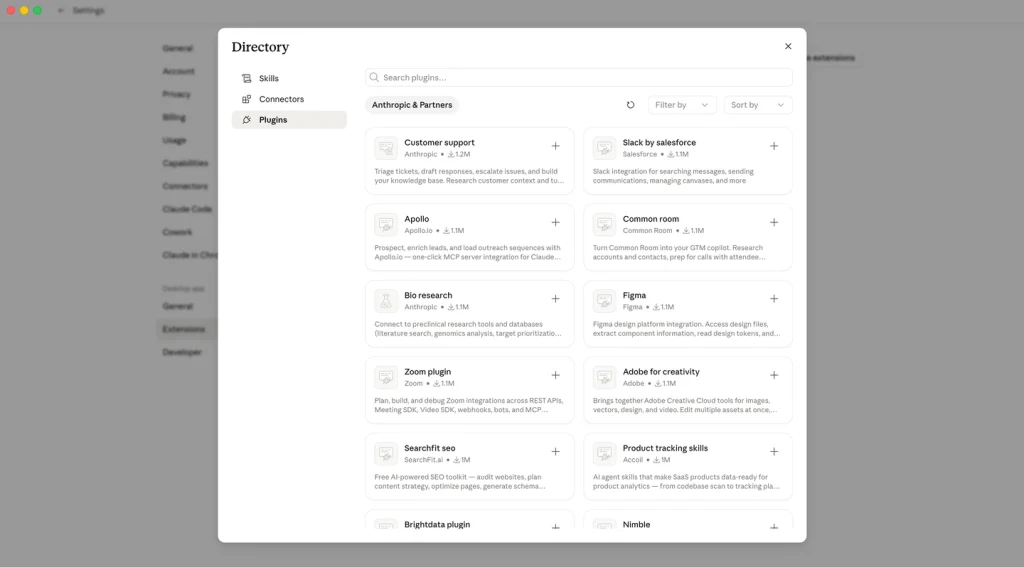
You install most plugins with a single command: claude plugin add <plugin-name>. Some MCP-based plugins need an API key or OAuth setup, but the process is straightforward. You can check all the below mentioned Claude Plugins at the official Claude Marketplace.
Suggested Reading: How To Use Claude AI In Everyday Life (No Tech Skill Needed)
Best Claude Plugins for Code Development
Now, let’s get into the plugins that are actually worth your time.
1. Feature-Dev
What it does: Turns a feature brief into working code through a structured seven-phase workflow — from requirements gathering through implementation, testing, and documentation.
Why I keep it installed: Feature-dev is the most popular Claude Code plugin for a reason, with over 89,000 installs. I use it whenever I’m starting something from scratch rather than patching existing code. It forces a structured approach — gathering requirements, exploring the codebase, designing architecture — before writing a single line. That discipline catches bad assumptions early.
The catch: It’s opinionated about workflow. If you just want Claude to bang out a quick function, feature-dev’s seven-phase process feels like overkill. I skip it for small tasks and reach for it on anything that touches multiple files.
2. Context7
What it does: Pulls live, version-specific library documentation directly into your Claude session, replacing potentially outdated training data with the actual docs for your exact library version.
Why I keep it installed: This one solved a genuine frustration. Before Context7, Claude would confidently suggest API methods that were deprecated two versions ago. Now it checks the real docs. I noticed fewer “that method doesn’t exist” moments within the first week.
The catch: It adds token overhead since it’s fetching and injecting documentation into your context window. For quick questions where you already know the API, it’s unnecessary weight.
3. Local-Review
What it does: Runs five parallel agents to review your uncommitted local changes — checking for bugs, security issues, performance problems, and style inconsistencies before you even create a pull request.
Why I keep it installed: I think of it as a pre-PR safety net. Five agents catch different things, and the parallel execution means it doesn’t take five times as long. I’ve caught two genuine bugs this way that would have made it into a PR otherwise.
The catch: On large changesets it can get noisy — flagging style preferences rather than real issues. I find it most useful for focused, single-feature changes rather than massive refactors.
Suggested Reading: AI Services For Students That Helps You Study Smarter
Best Claude Plugins for Frontend and Design
4. Frontend-Design
What it does: Guides Claude through four design dimensions — purpose, tone, constraints, and differentiation — to produce frontend code that feels intentional rather than templated.
Why I keep it installed: Most AI-generated UIs look the same. Frontend-design pushes for unexpected font pairings, asymmetric layouts, and animations that feel branded. I used it on a recent landing page and the output genuinely surprised me — in a good way.
The catch: You need to provide clear brand constraints. Without them, it can get creative in directions you didn’t want. Be specific about what you’re after.
5. Figma MCP
What it does: Connects Claude directly to your Figma files, letting it read design specs, extract colours, spacing, and component structures, and translate designs into code.
Why I keep it installed: Design-to-code is where I lose the most time. Figma MCP cuts out the manual step of eyeballing spacing values and hex codes from a Figma file. It reads the actual design tokens and uses them.
The catch: It works best with well-organised Figma files that use proper components and auto-layout. Messy files with absolute positioning give it less to work with.
Best Claude Plugins for Testing and Quality
6. Playwright
What it does: Gives Claude the ability to write and run browser-based tests using the Playwright framework — end-to-end testing, visual regression, and user flow verification.
Why I keep it installed: Writing E2E tests is the task I procrastinate most. Playwright plugin makes it almost painless — describe the user flow in plain English, and Claude generates the test. I’ve built out test suites in an afternoon that would have taken me days manually.
The catch: Generated tests sometimes need manual tuning for flaky selectors. It’s a starting point, not a finished product.
7. Agent-Peer-Review
What it does: Spins up multiple AI agents that review each other’s code suggestions, creating a multi-perspective review process before changes reach your codebase.
Why I keep it installed: When I’m working solo on a project, I miss having a second pair of eyes. Agent-peer-review simulates that. The agents disagree with each other, which surfaces edge cases I wouldn’t have thought about.
The catch: Token usage goes up significantly since you’re running multiple agents. I save this for important changes rather than routine updates.
Best Claude Plugins for Business and Productivity
8. Enterprise Search
What it does: Searches across Gmail, Slack, Notion, Google Drive, and Confluence simultaneously from a single query inside Claude.
Why I keep it installed: I used to spend minutes bouncing between tabs trying to find that one conversation or document. Enterprise Search pulls results from everywhere at once. The time savings compound fast when you’re searching multiple times a day.
The catch: Initial setup requires connecting each service with OAuth. Budget fifteen minutes for the auth flow, but after that it’s seamless.
9. Sales
What it does: Handles prospect research, CRM updates, deal risk flagging, and follow-up email drafts from a single Claude conversation.
Why it’s worth considering: If your workflow involves prospecting and deal management, this plugin consolidates several steps into one conversation. It pulls company data, identifies risks in your pipeline, and drafts contextual follow-ups.
The catch: This is clearly built for dedicated sales roles. If you only occasionally do outreach, the setup cost doesn’t justify the payoff.
10. Productivity
What it does: Task management and workflow automation — creating tasks, setting reminders, organising work items across connected tools.
Why I keep it installed: It’s the simplest plugin on this list but one I use daily. Quick task capture without leaving the Claude conversation. It sounds minor until you realise how many small action items get lost between chat and your task manager.
The catch: It overlaps with native Claude features like TodoWrite. If you already have a task system you’re happy with, this might be redundant.
Best Claude Plugins for Autonomous Workflows
11. Ralph Loop (Ralph Wiggum Plugin)
What it does: Enables autonomous coding loops where Claude iterates on a task — writing code, running tests, fixing failures, and re-running — without manual intervention between cycles.
Why I keep it installed: For well-defined tasks with clear success criteria (like making all tests pass), Ralph Loop is genuinely useful. I set it running, come back in twenty minutes, and the work is done. It’s the closest thing to “set it and forget it” in AI-assisted coding.
The catch: Autonomous loops burn through tokens quickly. I set a token budget before starting each loop and monitor the first few cycles to make sure it’s not going in circles.
12. Superpowers
What it does: Combines lifecycle management with a composable skill framework — including test-driven development discipline, infrastructure-as-code validation, security auditing, and code simplification in one package.
Why I keep it installed: Superpowers is ambitious. It tries to be your entire development methodology in a plugin. The TDD workflow is genuinely good — it forces tests before implementation, which I always intend to do but rarely follow through on without the nudge.
The catch: It’s a lot. The learning curve is steeper than any other plugin on this list, and the full lifecycle approach works best if you commit to it entirely rather than cherry-picking parts.
Practical Tips for Getting the Most Out of Claude Plugins
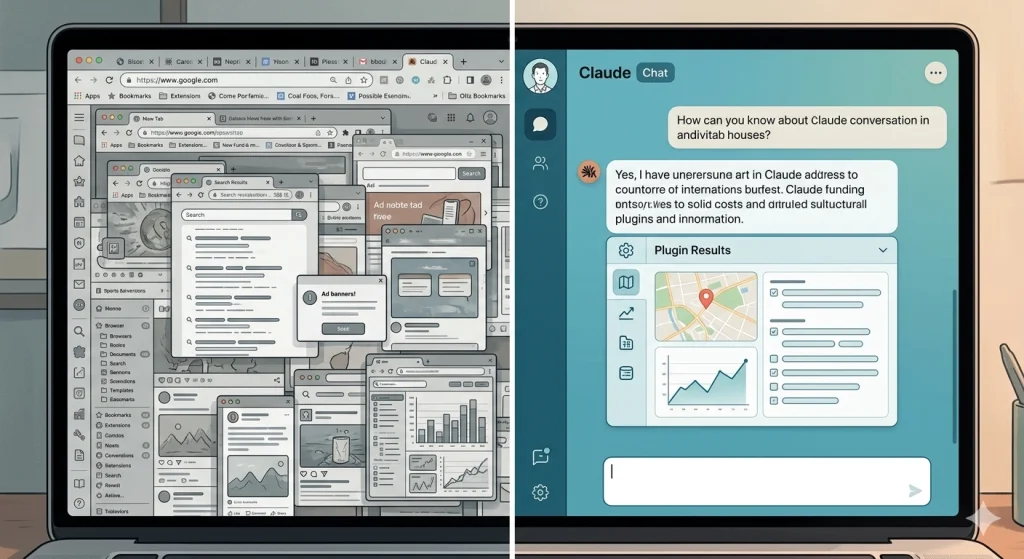
Start with two or three, not twelve. Install what solves your biggest daily friction. Add more only when the current set becomes second nature.
Watch your token usage. Plugins like Context7, Agent-Peer-Review, and Ralph Loop inject extra context or run multiple agents. That adds up. Keep an eye on token consumption for the first week after installing any new plugin.
Match the plugin to the task size. Feature-dev for new features, not one-line fixes. Local-review for focused changes, not massive refactors. Ralph Loop for tasks with clear pass/fail criteria, not open-ended exploration.
Check the trust level. Anthropic-built plugins go through rigorous review. Community plugins vary in quality. The awesome-claude-plugins repository on GitHub tracks adoption metrics, which helps you gauge what the community actually uses versus what just sounds good.
Frequently Asked Questions
How many Claude plugins are available right now?
Claude’s plugin ecosystem includes over 100 official plugins as of early 2026, comprising both Anthropic-built tools and partner integrations from companies like GitHub, Playwright, Figma, Linear, Sentry, and Stripe. Community marketplaces add thousands more unofficial options.
Are Claude plugins free to use?
Most Claude plugins are free to install. However, they consume tokens during use, and some MCP-based plugins connect to paid external services (like Figma or Linear) that require their own subscriptions. The plugin itself is free — the services it connects to may not be.
What is the difference between Claude Code plugins and Claude Cowork plugins?
Claude Code plugins focus on developer workflows — coding, testing, code review, and deployment. Claude Cowork plugins target business and knowledge work — sales, marketing, research, and productivity. Both use the same underlying architecture (skills, commands, hooks, MCP servers) but serve different audiences and use cases.
Can I build my own Claude plugin?
Yes. Claude supports custom plugin development through its plugin system. You can create skills (structured prompts), commands (slash-triggered actions), hooks (automated shell scripts), and MCP servers (external service integrations). The /skill-creator command in Claude Code walks you through the process step by step.
Do Claude plugins work in Claude Desktop and Claude Web?
Plugin availability varies by platform. Claude Code plugins work in the CLI, VS Code, and JetBrains IDE extensions. Claude Cowork plugins are available through the Claude web and desktop apps. Not all plugins are available on all platforms, so check compatibility before installing.